
25×30+45 mm White Jewelry
Our best-selling jewelry label format. Included in every kit.


Direct thermal · No ink, toner, or ribbon
OfficeKoala · Jewelry labeling
Print jewelry prices, SKUs, and barcodes with dedicated hanging labels.
Original NIIMBOT products · Ships from California
Already have a compatible printer? Shop refills ↓Jewelry refills
Reorder the kit’s label format or choose a different jewelry format sold separately.
Our best-selling jewelry label format. Included in every kit.

A larger format to consider when you need more printing space. Sold separately.

An alternative jewelry format. Check the product drawing and fit before choosing. Sold separately.
Use direct thermal labels confirmed for B1 Pro. M2/M2-H labels and ribbons are not compatible. Quantity 1 adds one selected pack.
For jewelry stores and handmade sellers
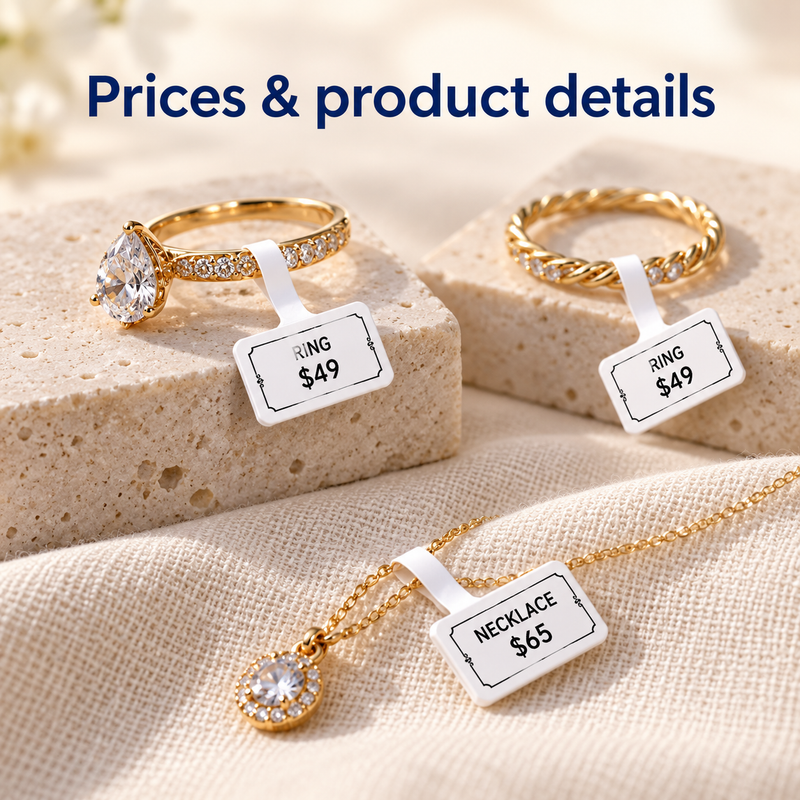
Add a clear price and item name to rings, necklaces, bracelets, or other suitable pieces. Check the tag fit on your jewelry.
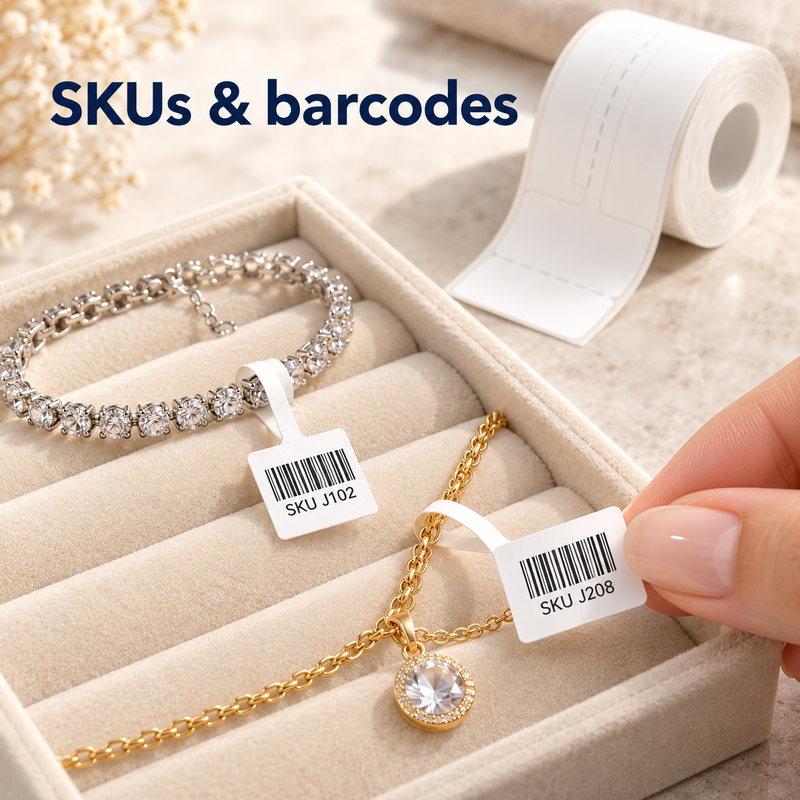
Print item codes and supported barcodes. Test scan readability before use; printed codes do not automatically connect to your inventory system.
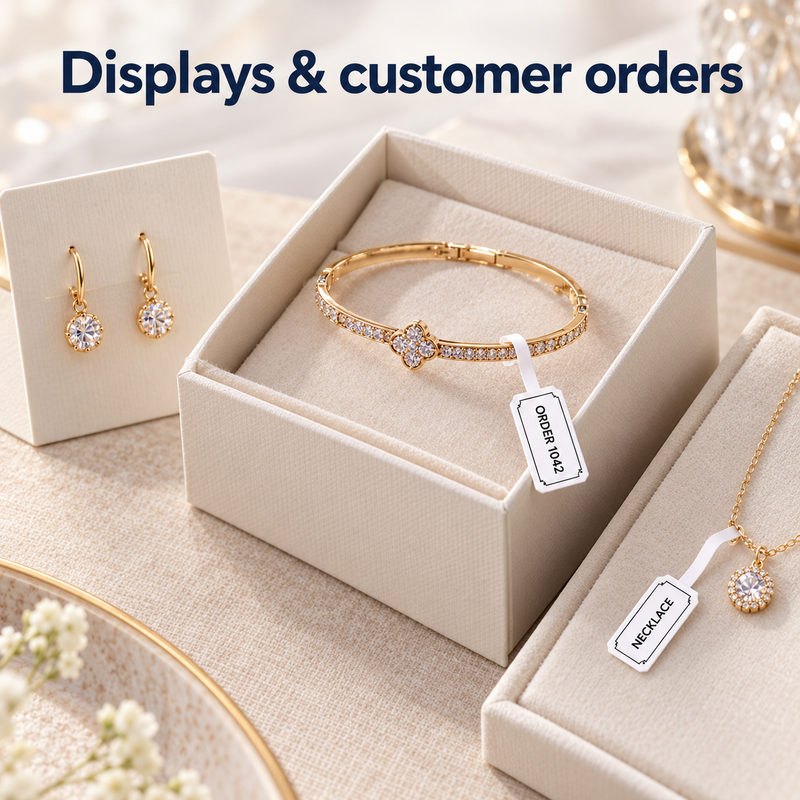
Use the included 50×30 mm White roll for packaging, storage bins, and everyday product identification.
Made for your jewelry workflow


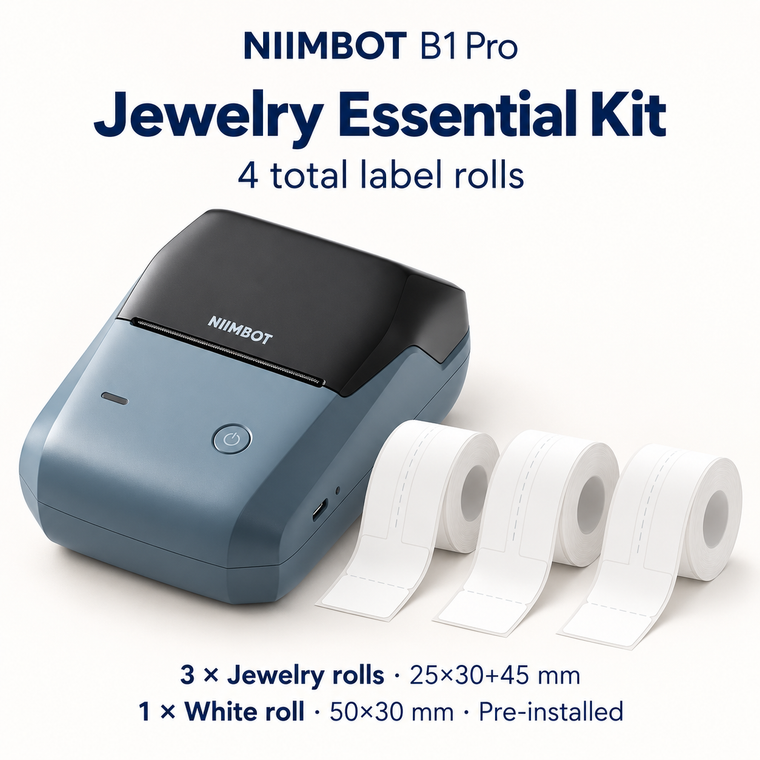
Every kit includes one NIIMBOT B1 Pro, one factory pre-installed 50×30 mm White roll, and 25×30+45 mm White jewelry labels. Starter includes one jewelry roll (2 total rolls), Essential includes three (4 total), and Plus includes six (7 total).
No. All kits use the same 25×30+45 mm White jewelry format. The two alternative formats shown in the refill section are sold separately.
No. B1 Pro uses direct thermal printing. Use compatible NIIMBOT B-Series rolls confirmed for B1 Pro. M2/M2-H thermal-transfer labels and ribbons and D-Series-only labels are not compatible.
The chip in the original label roll helps the printer and NIIMBOT app recognize the roll format. It does not make individual printed tags RFID inventory trackers.
Create supported designs in the NIIMBOT app. B1 Pro prints at 300 dpi. Keep the design within the printable area and test your actual scanner. Printing a barcode does not automatically update stock or connect to a POS system.
Fit depends on the jewelry and the label format. Check the label drawing and test the attachment on a suitable item before regular use.
OfficeKoala ships from California and can help you choose the correct printer and refill.
Return policy · Shipping details