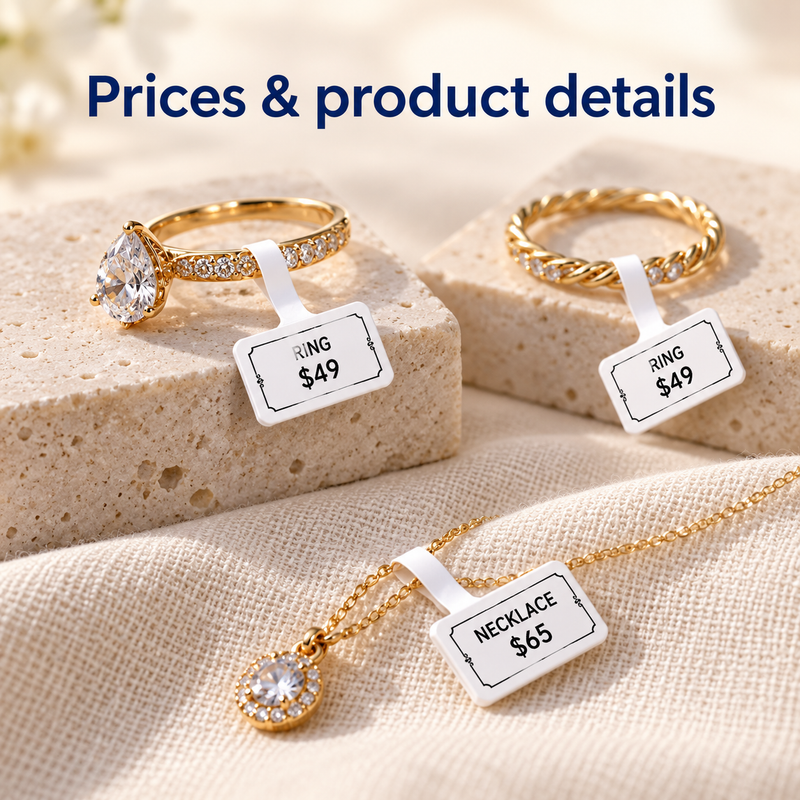
Prices & product details
Print a price and short item description. Keep the design within the folded tag face so the text stays readable.



ORIGINAL NIIMBOT · JEWELRY LABEL REFILLS
White folded jewelry tags for prices, item codes, and supported barcodes.
No ribbon required
Fits: NIIMBOT B1, B1 Pro, B21S (B21), B21S Pro (B21 Pro), and B3S
Original NIIMBOT · Ships from California
Print a price and short item description. Keep the design within the folded tag face so the text stays readable.
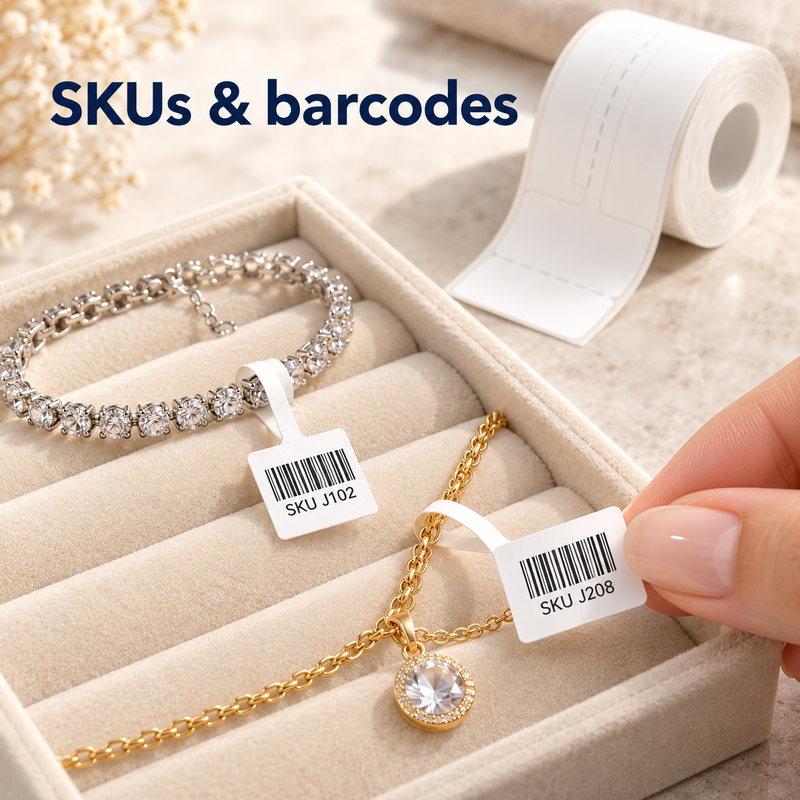
Print item codes and supported barcodes. Test every layout with your scanner; printing codes does not automatically update stock.
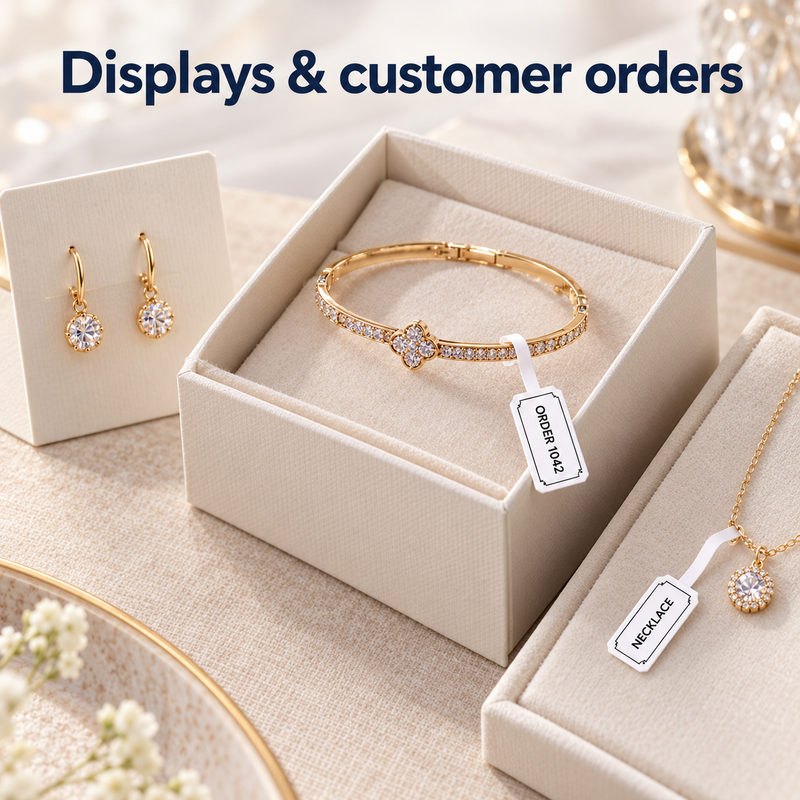
Attach tags to suitable jewelry items for displays and customer-order identification. Check the fit on your item.

The flat head is 25×30 mm, with two 15 mm halves that fold into a 25×15 mm tag face. The 45 mm narrow tail loops around a suitable jewelry item. Follow the product drawing.

The chip in the original NIIMBOT roll helps recognize its format. Individual printed tags are not RFID inventory trackers.
Not compatible with NIIMBOT M-Series thermal-transfer printers, D-Series printers, or third-party printers.
Keep jewelry information clear with original NIIMBOT 25×30+45 mm White Jewelry Hanging Labels. The folded tag head and narrow tail are designed for tagging suitable rings, necklaces, bracelets, and other boutique items.
Print black text, prices, short product details, and supported barcodes with a compatible NIIMBOT B-Series direct thermal printer. No ink, toner, or ribbon is required. This product contains label refills only; a printer is sold separately.
The size notation describes the tag head plus tail; it is not a rectangular 25×30×45 mm sticker. Check the product drawing and test the fit before regular use.
Cart quantity means the number of selected packs, not individual rolls.
Compatible with NIIMBOT B1, B1 Pro, B21S (B21), B21S Pro (B21 Pro), and B3S.
Not compatible with NIIMBOT M-Series thermal-transfer printers, D-Series printers, or third-party label printers. Check your exact printer model before ordering.
The chip in an original NIIMBOT roll helps compatible printers and the NIIMBOT app recognize the label format. The individual printed jewelry tags are not RFID inventory trackers.
Test printed barcodes with your actual scanner before use. Printing an SKU or barcode does not automatically update stock or connect to a POS system.
Explore the NIIMBOT B1 Pro Jewelry Labeling System, with a printer and this jewelry label format in every kit.
NIIMBOT B1, B1 Pro, B21S (B21), B21S Pro (B21 Pro), and B3S. Not for M-Series thermal-transfer, D-Series, or third-party printers.
No. These direct thermal labels print without ink, toner, or ribbon. A compatible printer is sold separately.
Choose 1 Roll for testing or light use, 3 Rolls for regular use, or 6 Rolls for frequent tagging. Each roll has 100 labels; cart quantity means the number of packs.
Load the roll, connect inside the NIIMBOT app, confirm the format, and print a test label. Check alignment and barcode readability, then fold the head and loop the tail around a suitable item following the label guide.
The B1 Pro Jewelry Labeling System includes a printer and this jewelry label format in every kit.
Explore Jewelry Kits →

